User guides
1. User guides
1.2. Sign in to MOOC with Google, LinkedIn or Microsoft account
If you have Google, LinkedIn or Microsoft (consumer) account you can use it to sign in to MOOC and you don’t need to create local user account. Go to https://mooc.samk.fi/ and click first Log in link from right upper corner.
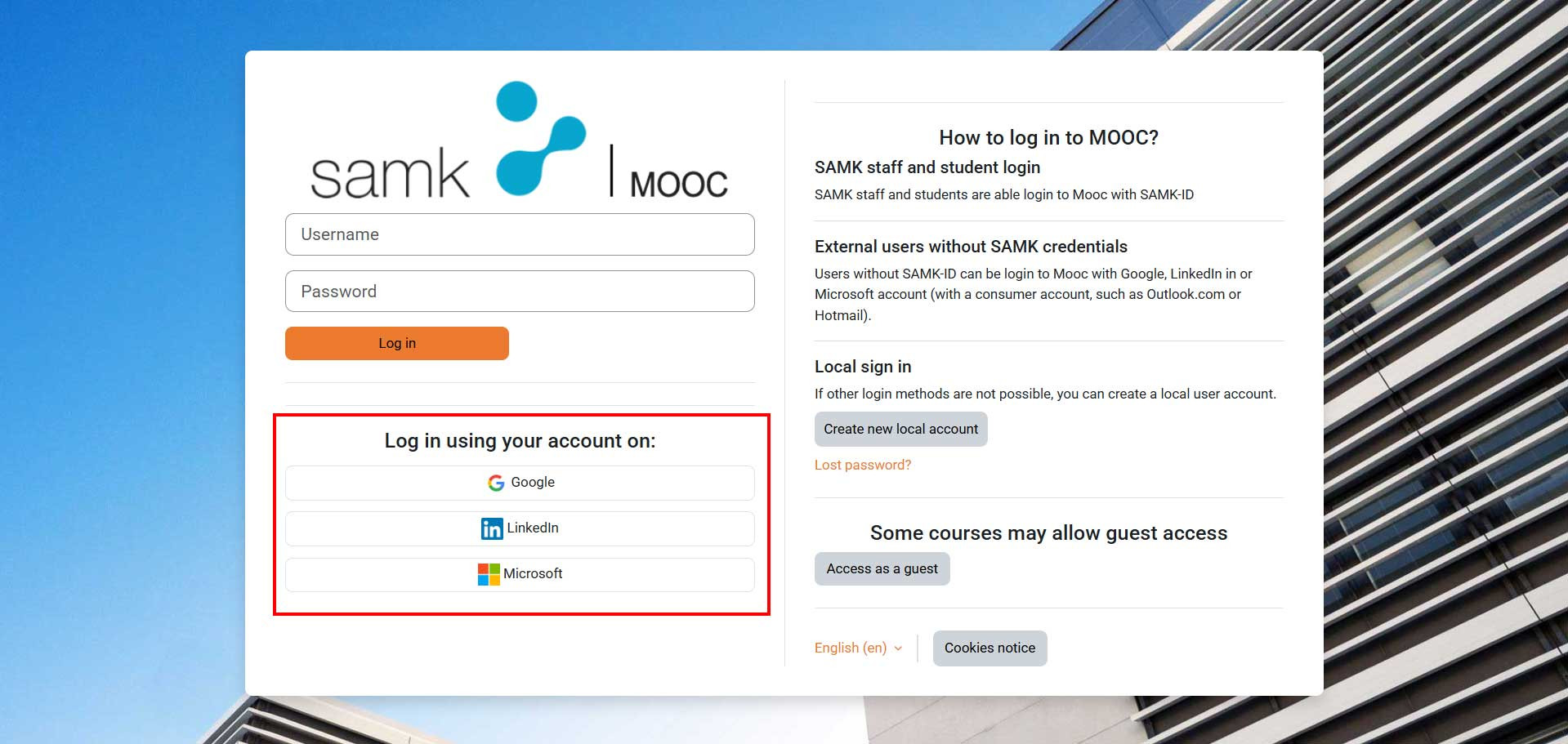
Click the account which you like to use login to MOOC, for example Google. The sign in procedure is same kind of whatever account you like to use. This guide uses a Google account. Write your Google account email address or phone number to Email or Phone field and click Next button.
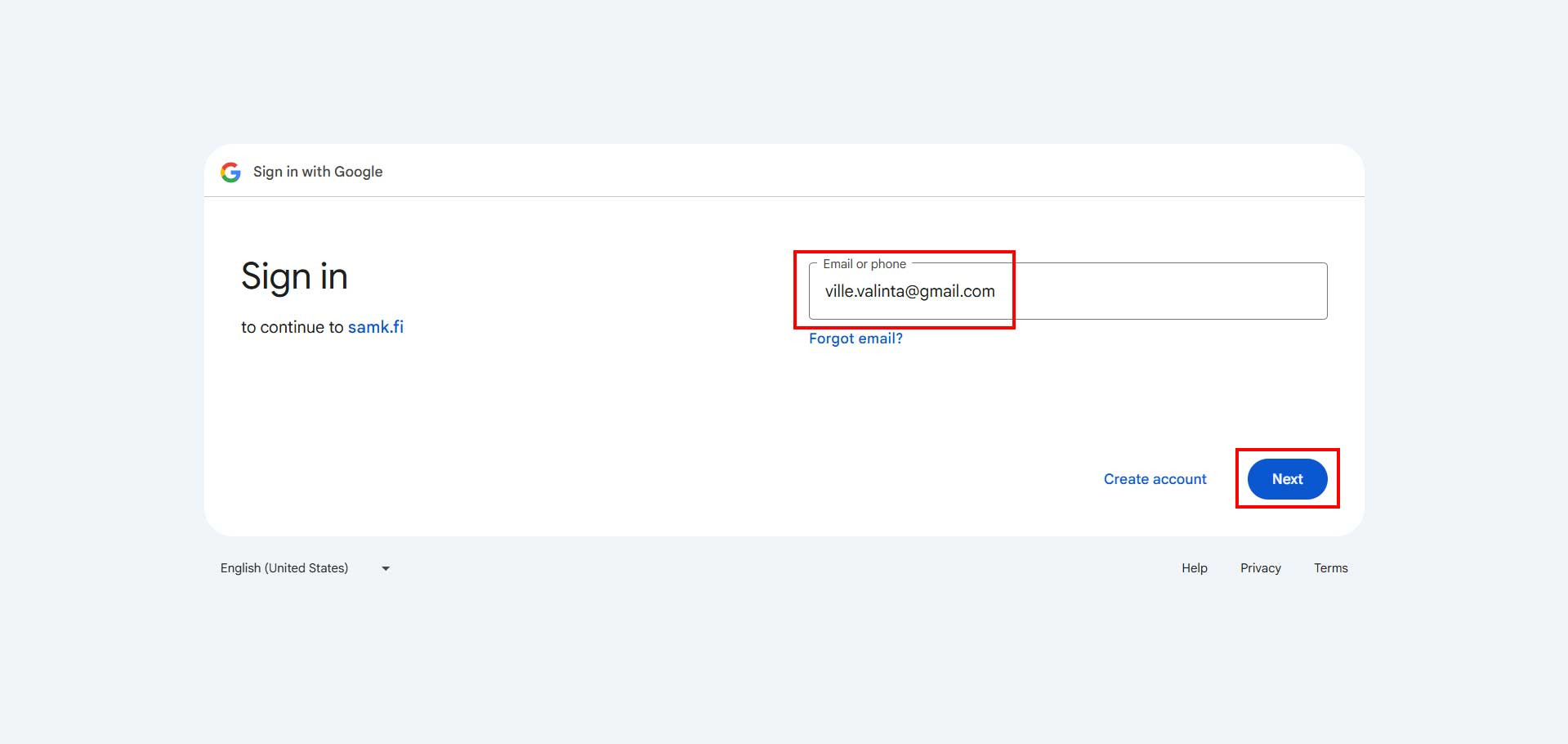
Enter your password to the password field and click Next button and then Continue button.

Next you will get account confirmation email. Check your email and confirm your new account by clicking the link on the email.

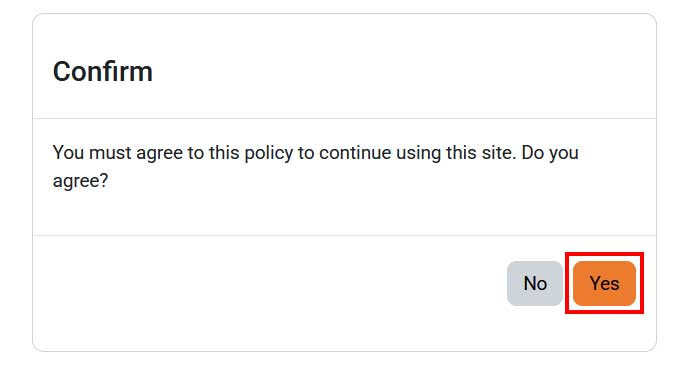
When you Login to MOOC first time, you must accept Terms of Service. Read the terms of service carefully and click Yes button.
Now your user account is ready, and you can enroll to course.